
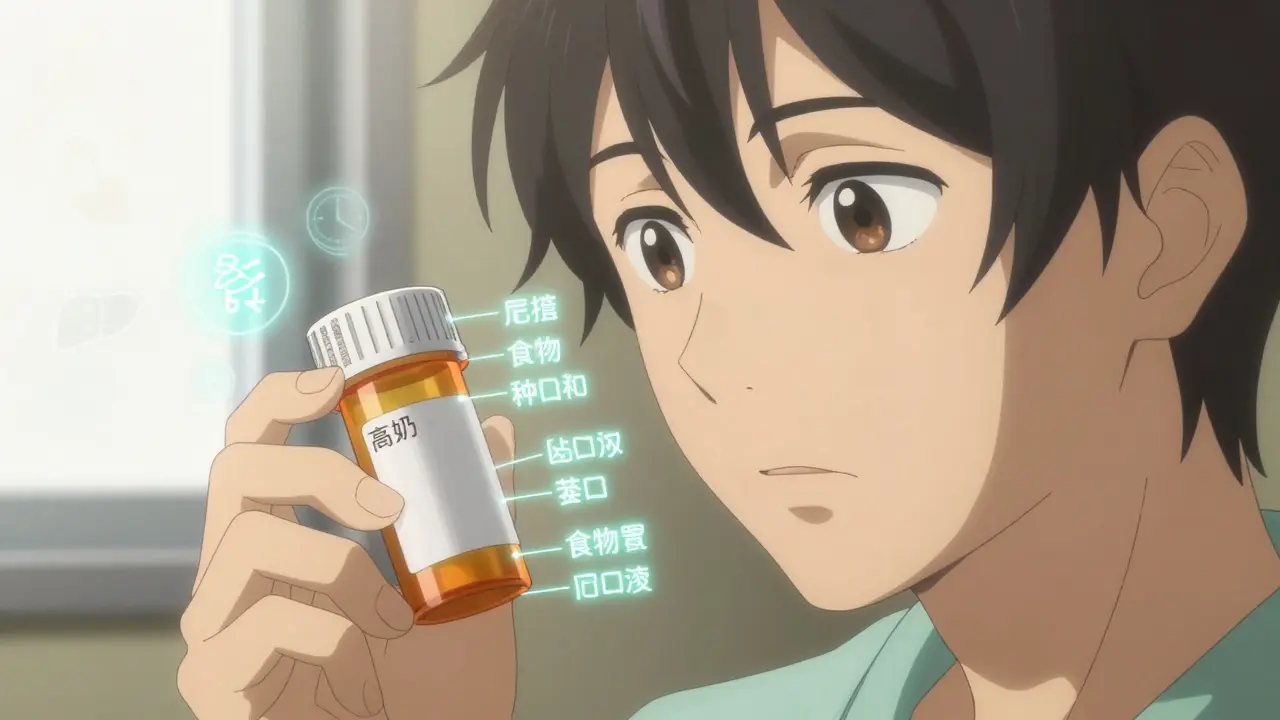
Getting your medication schedule right isn’t just about setting an alarm. It’s about reading the tiny print on the bottle and understanding what it really means. If you’re taking multiple drugs, especially for chronic conditions like high blood pressure, diabetes, or heart disease, missing a dose or taking two too close together can be dangerous. The information on your prescription label isn’t just filler-it’s your safety manual. When you use that label correctly to set reminders, you cut your risk of errors by more than half.
What’s Actually on Your Prescription Label?
Your medication label has more than just your name and the drug’s name. Look closer. You’ll find:- Dosage form: Is it a tablet, capsule, liquid, or patch?
- Active ingredient and strength: Like “Lisinopril 10 mg” or “Metformin 500 mg.”
- Usage instructions: “Take one tablet by mouth every 8 hours,” “Take with food,” or “Take on an empty stomach.”
- Minimum interval between doses: “Do not take more than one dose every 6 hours.”
- Drug interaction warnings: “Avoid alcohol,” “Take at least 2 hours before or after calcium supplements.”
- Special notes: “Shake well before use,” “Refrigerate,” or “Do not crush.”
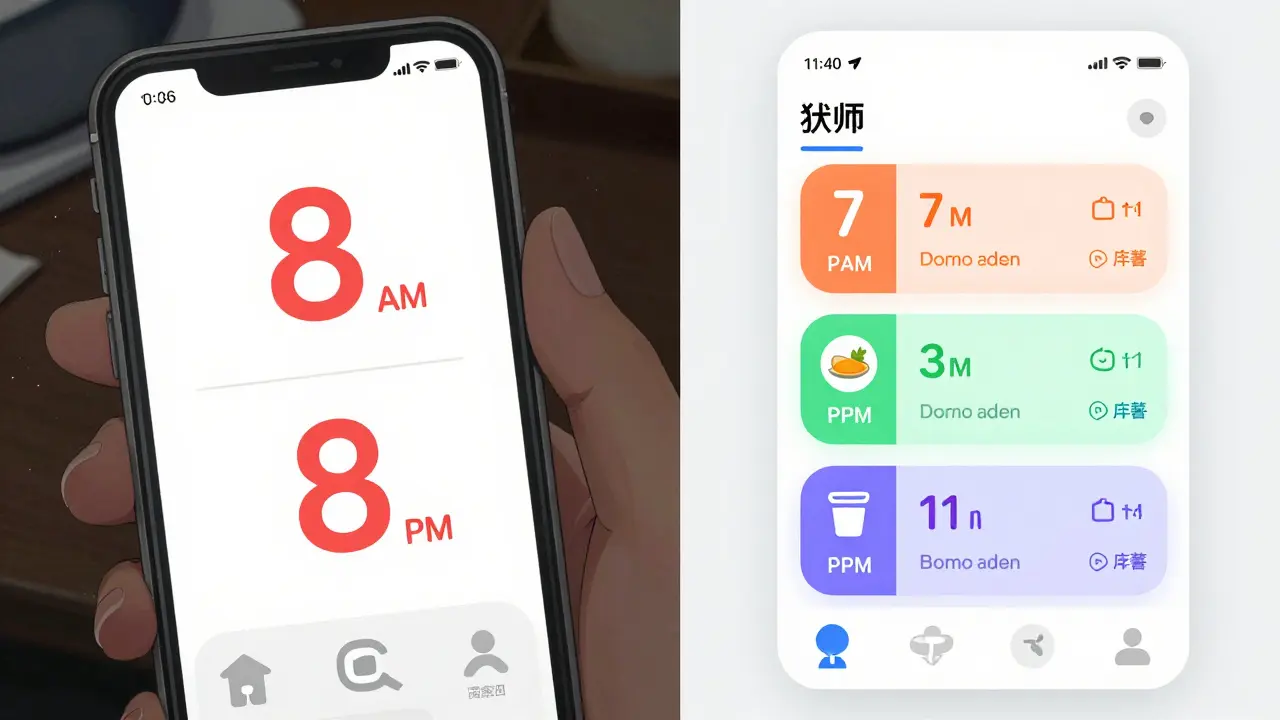
These aren’t suggestions. They’re medical requirements. A 2023 NIH study found that 78.3% of timing-related medication errors happen because people ignore or misunderstand these details. Setting a reminder for “8 AM and 8 PM” might seem fine-but if your label says “every 8 hours,” you actually need doses at 8 AM, 4 PM, and 12 AM. Missing the 12 AM dose means you’re only getting two doses in 16 hours, not three in 24.
Why Generic Alarms Don’t Work
Most people start with phone alarms or basic reminder apps. They’re easy. But they’re also dangerous. Apps like Alarmy or simple calendar alerts don’t know the difference between “take once daily” and “take every 6 hours.” They don’t know if your blood pressure pill needs to be taken two hours before your cholesterol med. They don’t know that your antibiotic can’t be taken with dairy.A 2024 study in the Journal of Medical Systems compared 12 apps. Those that ignored label details had 63.2% more timing errors than apps that used the label’s exact wording. One user on Reddit shared how their generic app reminded them to take an antibiotic at 2 AM-right after they’d taken a calcium supplement. The label said to avoid calcium within 4 hours, but the app didn’t care. They ended up with a missed dose and a longer recovery.
Simple alarms treat all meds the same. Real medication schedules don’t.
How Advanced Apps Use Label Information
Apps like Medisafe, MyTherapy, and CareZone don’t just ask you to type in your meds. They let you take a photo of your prescription label. Using AI-powered optical character recognition (OCR), they read the text with 98.7% accuracy, as shown in a 2024 npj Digital Medicine study. Then, they convert that into a smart schedule.For example:
- If the label says “Take one tablet every 8 hours,” the app creates three reminders: 7 AM, 3 PM, and 11 PM.
- If it says “Take with food,” the app links the reminder to your meal times or adds a note: “Wait 20 minutes after breakfast.”
- If you’re taking both warfarin and ibuprofen, and the label warns of interaction, the app spaces them out by at least 2 hours.
These systems pull from massive drug databases with over 150,000 medications and 500,000 interaction rules. They don’t guess-they reference real, updated medical data. In a 2024 study published in PMC11247871, patients using these systems had an 82.4% adherence rate, compared to 58.7% for those using basic alarms.
The Universal Medication Schedule (UMS)
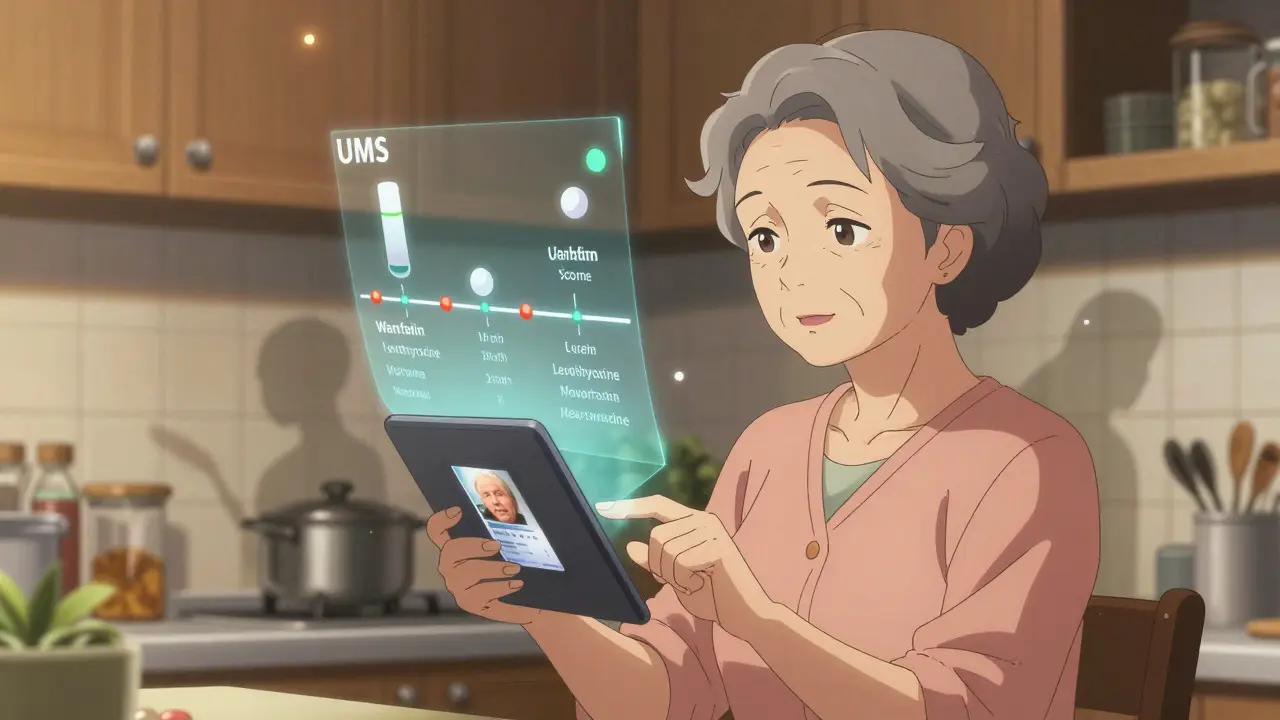
You might not have heard of UMS, but it’s the backbone of modern medication reminders. Developed by researchers at the University of Pittsburgh, UMS breaks down label instructions into two key rules:- MTCOD (Medication Time Constraint with One Drug): How often you can take a single drug. For example, “Take every 6 hours” means no more than 4 doses in 24 hours.
- MTCMD (Medication Time Constraint with Multi-Drug): How drugs interact with each other. “Take metformin 30 minutes before breakfast” and “Take levothyroxine on empty stomach, 30 minutes before other meds” means these can’t be taken together.
Apps that follow UMS don’t just remind you-they organize your entire day around your meds. They avoid overlaps. They prevent conflicts. They even adjust for weekends or holidays if you’re on a complex regimen.
What to Watch Out For
Even the best apps have limits. Here are the three biggest pitfalls:- Ambiguous labels: One in five generic drug labels use vague language like “take as needed” or “take in the morning.” These are hard for AI to interpret. If your label is unclear, don’t guess-call your pharmacist.
- Personal adjustments: Your doctor might have told you to take your pill at 10 AM instead of 8 AM because of your work schedule. The label doesn’t reflect that. Always enter personal changes manually.
- Over-reliance on tech: A 2024 Consumer Reports review found that 14.3% of digital errors happened because users trusted the app too much and didn’t double-check the label. Always compare the app’s schedule to your physical label once a week.
Some users report that apps miss nuances. One 72-year-old woman in Melbourne told her pharmacist her app kept reminding her to take her thyroid med at 7 PM. The label said “take first thing in the morning.” She assumed the app was broken. Turns out, the OCR misread “AM” as “PM.” She now takes a photo of the label and manually confirms the times.
How to Set It Up Right
Follow these six steps to make sure your reminder system works:- Take a clear photo of your prescription label. Make sure lighting is good and no part is blurry.
- Use a trusted app like Medisafe, MyTherapy, or CareZone. Avoid free apps that don’t mention label scanning.
- Let the app auto-fill the details. Don’t type them in yourself unless the app can’t read the label.
- Review the generated schedule. Does it match the label? Are the times spaced correctly? Are food warnings included?
- Add personal notes. If your doctor said “take after lunch,” even if the label says “with food,” add that note.
- Check weekly. Labels change. Your doctor might adjust your dose. Re-scan every time you refill.
It takes about 18 minutes the first time. After that, it’s under 5 minutes per refill.
Why This Matters More Than You Think
Poor medication adherence causes 1.5 million preventable injuries and deaths in the U.S. every year, according to the Institute of Medicine. In Australia, the problem is just as serious. The Therapeutic Goods Administration (TGA) reports that nearly half of older Australians miss at least one dose a week.But here’s the good news: when people use label-based reminders, adherence jumps by 23.7%. For someone on five or more medications, that’s the difference between staying out of the hospital and ending up there.
By 2026, Australian Medicare and U.S. CMS rules will require all digital health tools to use label information to set reminders. It’s not a luxury anymore-it’s a standard.
Don’t wait for a rule to force you to do it right. Do it now. Your body doesn’t care about convenience. It cares about timing. And your label? It knows exactly what you need.
Can I just use my phone’s alarm app for my medications?
You can, but it’s risky. Phone alarms don’t know if your medication needs to be taken with food, how far apart doses should be, or if it interacts with another drug. A 2024 study found that generic alarm apps had 63% more timing errors than apps that read prescription labels. If you’re on more than two medications, or have a chronic condition, use a label-aware app instead.
What if my prescription label is hard to read or has unclear instructions?
Don’t guess. About 22% of generic drug labels use vague phrases like “take as needed” or “take in the morning.” These confuse even the best AI. Call your pharmacist or doctor and ask them to clarify. Write down their exact instructions and enter them manually into your app. Never rely on an app’s interpretation if the label is unclear.
Do I still need to check the physical label after setting up the app?
Yes. Apps can make mistakes-especially with blurry labels or handwritten notes. A 2024 review found that 14% of digital errors happened because users trusted the app too much. Always compare your app’s schedule to your physical label once a week. If something doesn’t match, fix it immediately.
Which apps are best for reading prescription labels?
Medisafe, MyTherapy, and CareZone are the most reliable. They use FDA-recognized drug databases, OCR technology with 98%+ accuracy, and follow the Universal Medication Schedule (UMS) framework. Avoid apps that don’t mention label scanning or drug interaction checks. Look for mentions of RxNorm or SNOMED CT in their help sections-those are signs they use standardized medical data.
Can my doctor’s electronic health record automatically set up my reminders?
Some can. Systems like Epic’s MyChart and Cerner now integrate with medication reminder apps and can push your full prescription details-including label instructions-directly to your phone. But not all doctors use these systems yet. Ask your provider if they can send your med schedule to an app like Medisafe. If not, you’ll still need to scan your label manually.
What if I take my meds at different times on weekends?
Most advanced apps let you set different schedules for weekdays and weekends. For example, you might take your blood pressure pill at 8 AM on weekdays but prefer 9 AM on weekends. Just edit the schedule manually in the app and add a note like “Weekend timing.” Always keep the minimum interval between doses-even on weekends. Don’t skip doses just because it’s Saturday.


Hi, I'm Caden Lockhart, a pharmaceutical expert with years of experience in the industry. My passion lies in researching and developing new medications, as well as educating others about their proper use and potential side effects. I enjoy writing articles on various diseases, health supplements, and the latest treatment options available. In my free time, I love going on hikes, perusing scientific journals, and capturing the world through my lens. Through my work, I strive to make a positive impact on patients' lives and contribute to the advancement of medical science.